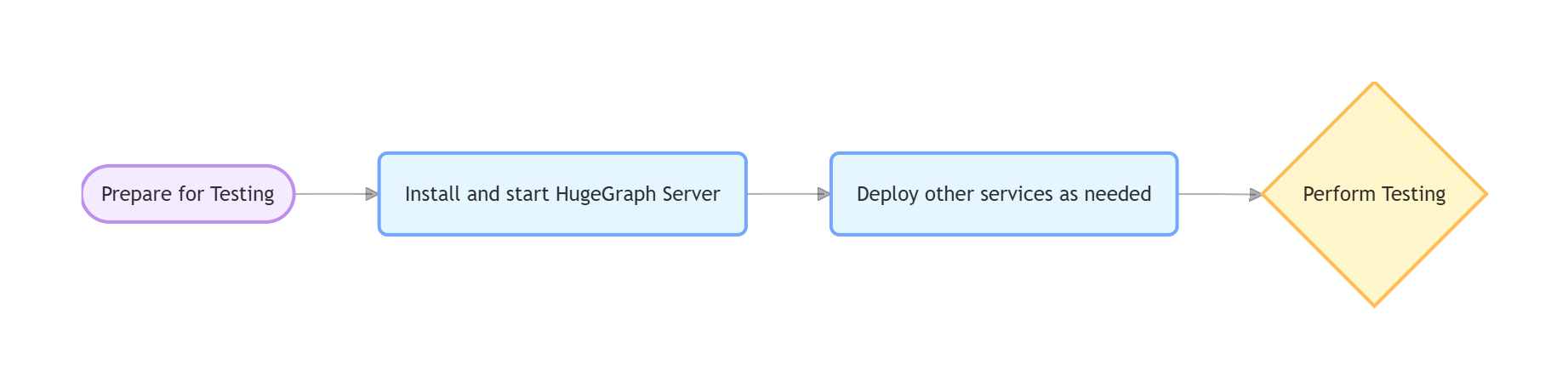
This guide helps developers run HugeGraph toolchain tests locally.
1. Core Concepts
1.1 Core Dependency: HugeGraph Server
Integration and functional tests of the toolchain depend on HugeGraph Server, including Client, Loader, Hubble, Spark Connector, Tools, and other components.
1.2 Test Types
Unit Tests: Test individual functions/methods, no external dependencies required
API Tests (ApiTestSuite): Test API interfaces, requires running HugeGraph Server
Functional Tests (FuncTestSuite): End-to-end tests, require complete system environment
2. Environment Setup
2.1 System Requirements
Operating System: Linux / macOS (Windows use WSL2)
$COMMIT_ID: Specify Server source code Git Commit ID
$DB_DATABASE / $DB_PASS: MySQL database name and password for Loader JDBC tests
Deployment Steps
1. Install HugeGraph Server
1# Set the Server baseline; use a full commit SHA for reproducible results2exportCOMMIT_ID="master"34# Execute installation (script located in /assembly/travis/ directory)5hugegraph-client/assembly/travis/install-hugegraph-from-source.sh $COMMIT_ID
The script starts HTTP and HTTPS instances on ports 8080 and 8443 and configures admin/pa authentication.
Ensure both ports are available before running it.
2. Install Optional Dependencies
1# Hadoop (only required for Loader HDFS tests)2hugegraph-loader/assembly/travis/install-hadoop.sh
34# MySQL (only required for Loader JDBC tests)5hugegraph-loader/assembly/travis/install-mysql.sh $DB_DATABASE$DB_PASS
Complete configuration example including Server, MySQL, Hadoop services (requires Docker Compose V2):
1version:'3.8' 2 3services: 4hugegraph-server: 5image:hugegraph/hugegraph:latest # Can be replaced with a specific version, or build your own image 6container_name:hugegraph-server 7ports: 8- "8080:8080"# HugeGraph Server HTTP port 9environment:10# Configure HugeGraph Server parameters as needed, e.g., backend storage11- HUGEGRAPH_SERVER_OPTIONS="-Dstore.backend=rocksdb"12volumes:13# If you need to persist data or mount configuration files, add volumes here14# - ./hugegraph-data:/opt/hugegraph/data15healthcheck:16test:["CMD-SHELL","curl -f http://localhost:8080/graphspaces/DEFAULT/graphs || exit 1"]17interval:10s18timeout:3s19retries:520networks:21- hugegraph-net2223# If you need JDBC tests for hugegraph-loader, you can add the following service24# mysql:25# image: mysql:5.726# container_name: mysql-db27# environment:28# MYSQL_ROOT_PASSWORD: ${DB_PASS:-your_mysql_root_password} # Read from environment variable, or use default29# MYSQL_DATABASE: ${DB_DATABASE:-hugegraph_test_db} # Read from environment variable, or use default30# ports:31# - "3306:3306"32# volumes:33# - ./mysql-data:/var/lib/mysql # Data persistence34# healthcheck:35# test: ["CMD", "mysqladmin", "ping", "-h", "localhost", "-p${DB_PASS:-your_mysql_root_password}"]36# interval: 5s37# timeout: 3s38# retries: 539# networks:40# - hugegraph-net4142# If you need Hadoop/HDFS tests for hugegraph-loader, you can add the following services43# namenode:44# image: johannestang/hadoop-namenode:2.0.0-hadoop2.8.5-java845# container_name: namenode46# ports:47# - "0.0.0.0:9870:9870"48# - "0.0.0.0:8020:8020"49# environment:50# - CLUSTER_NAME=test-cluster51# - HDFS_NAMENODE_USER=root52# - HADOOP_CONF_DIR=/hadoop/etc/hadoop53# volumes:54# - ./config/core-site.xml:/hadoop/etc/hadoop/core-site.xml55# - ./config/hdfs-site.xml:/hadoop/etc/hadoop/hdfs-site.xml56# - namenode_data:/hadoop/dfs/name57# command: bash -c "if [ ! -d /hadoop/dfs/name/current ]; then hdfs namenode -format; fi && /entrypoint.sh"58# healthcheck:59# test: ["CMD", "hdfs", "dfsadmin", "-report"]60# interval: 5s61# timeout: 3s62# retries: 563# networks:64# - hugegraph-net6566# datanode:67# image: johannestang/hadoop-datanode:2.0.0-hadoop2.8.5-java868# container_name: datanode69# depends_on:70# - namenode71# environment:72# - CLUSTER_NAME=test-cluster73# - HDFS_DATANODE_USER=root74# - HADOOP_CONF_DIR=/hadoop/etc/hadoop75# volumes:76# - ./config/core-site.xml:/hadoop/etc/hadoop/core-site.xml77# - ./config/hdfs-site.xml:/hadoop/etc/hadoop/hdfs-site.xml78# - datanode_data:/hadoop/dfs/data79# healthcheck:80# test: ["CMD", "hdfs", "dfsadmin", "-report"]81# interval: 5s82# timeout: 3s83# retries: 584# networks:85# - hugegraph-net8687networks:88hugegraph-net:89driver:bridge90volumes:91namenode_data:92datanode_data:
Hadoop Configuration Mounts
Create a ./config folder in the same directory as docker-compose.yml to mount Hadoop configuration files. You can skip this step if HDFS testing is not required.
ApiTest requires authentication. No additional configuration is needed when using the script in Section 3.1. For a manually deployed Server, the authentication settings and test credentials must match the test code.
1# 1. Modify authentication mode 2cp conf/rest-server.properties conf/rest-server.properties.backup
3sed -i 's|#auth.authenticator=.*|auth.authenticator=org.apache.hugegraph.auth.StandardAuthenticator|' conf/rest-server.properties
4grep auth.authenticator conf/rest-server.properties
5sed -i 's|gremlin.graph=org.apache.hugegraph.HugeFactory|gremlin.graph=org.apache.hugegraph.auth.HugeFactoryAuthProxy|' conf/graphs/hugegraph.properties
6 7# 2. Set password 8# Note: Test code uses "pa" as default password, must match for tests to work 9bin/stop-hugegraph.sh
10exportPASSWORD="pa"# Set to test default password11echo -e "${PASSWORD}"| bin/init-store.sh
12bin/start-hugegraph.sh
Run Tests
1# Check environment2curl -u admin:pa http://localhost:8080/graphspaces/DEFAULT/graphs
34# Run tests5cd hugegraph-client
6mvn test -Dtest=UnitTestSuite -ntp # Unit tests7mvn test -Dtest=ApiTestSuite -ntp # API tests (requires Server)8mvn test -Dtest=FuncTestSuite -ntp # Functional tests (requires Server)
Check Server log if tests fail: logs/hugegraph-server.log
1# Unit tests 2mvn test -P unit-test -pl hugegraph-hubble/hubble-be -ntp
3 4# Legacy Python API tests (requires Server; the script installs and starts Hubble) 5curl -u admin:pa http://localhost:8080/graphspaces/DEFAULT/graphs # Check Server 6cd hugegraph-hubble
7./hubble-dist/assembly/travis/run-api-test.sh
8 9# Full verification entry point used by current CI (build the Hubble tarball first)10HUBBLE_TARBALL="$(ls target/apache-hugegraph-hubble-*.tar.gz | head -n 1)"11hubble-dist/assembly/travis/verify-hubble-issue-694.sh \
12"$HUBBLE_TARBALL" http://127.0.0.1:8080