Version 1.7 of the documentation is no longer actively maintained. The site that you are currently viewing is an archived snapshot. For up-to-date documentation, see the latest version.
Contribute to the HugeGraph Community
Choose How to Contribute
You can report problems through GitHub Issues, or contribute code, tests, or documentation. Before starting a substantial change, consider opening an issue that explains its scope to avoid duplicated work.
The following example uses apache/hugegraph. The same process applies to other HugeGraph repositories, but follow each repository’s README.md, AGENTS.md, and CI configuration for its build and test commands.
Prepare the Repository
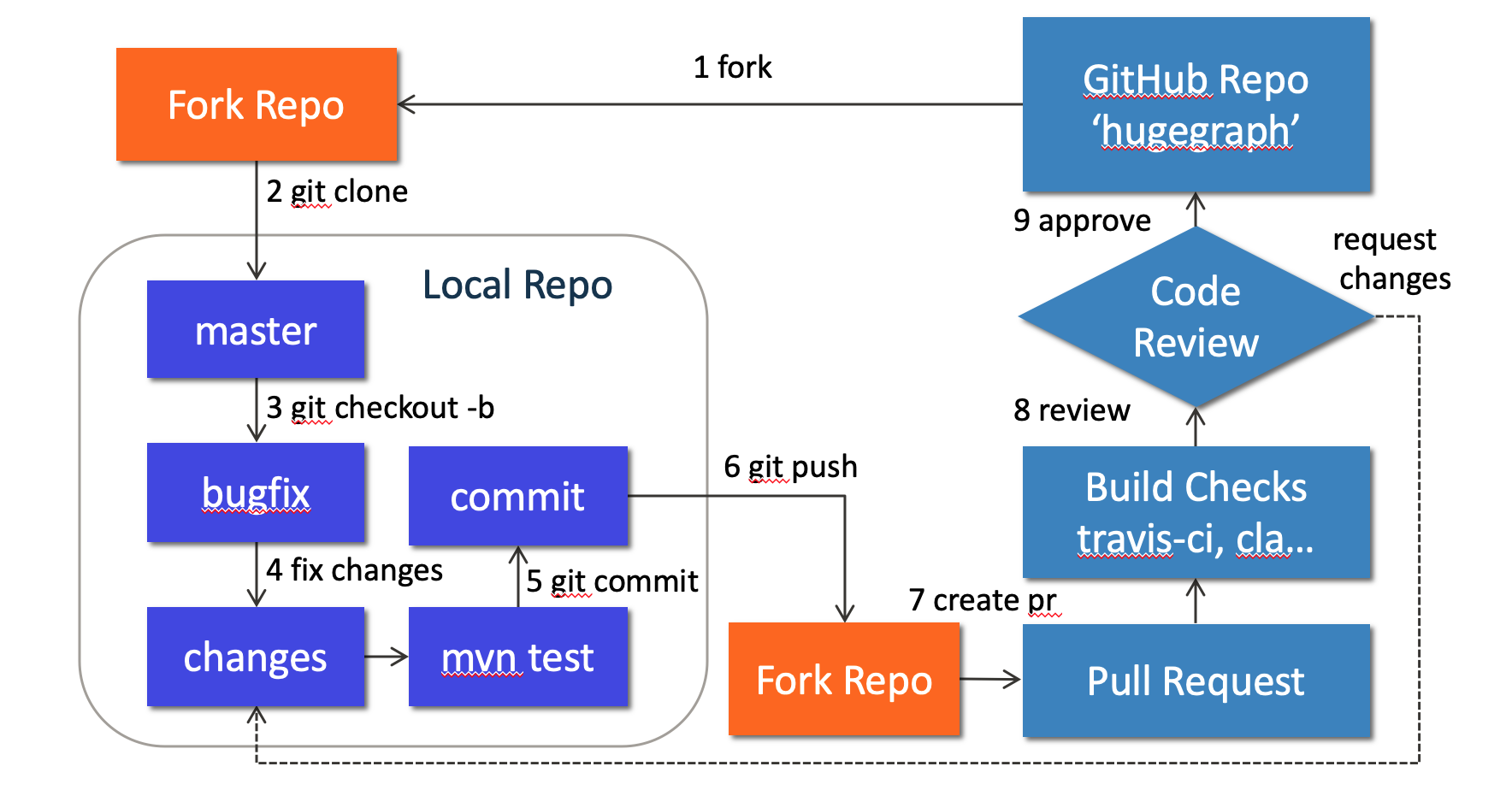
Fork apache/hugegraph on GitHub, then clone your fork:
Do not develop directly on master. Use a separate branch for each change:
Make and Verify Changes
HugeGraph Server code is under hugegraph-server/. For example, the core module is located at:
Run the tests directly related to your change first. Common Server test commands include:
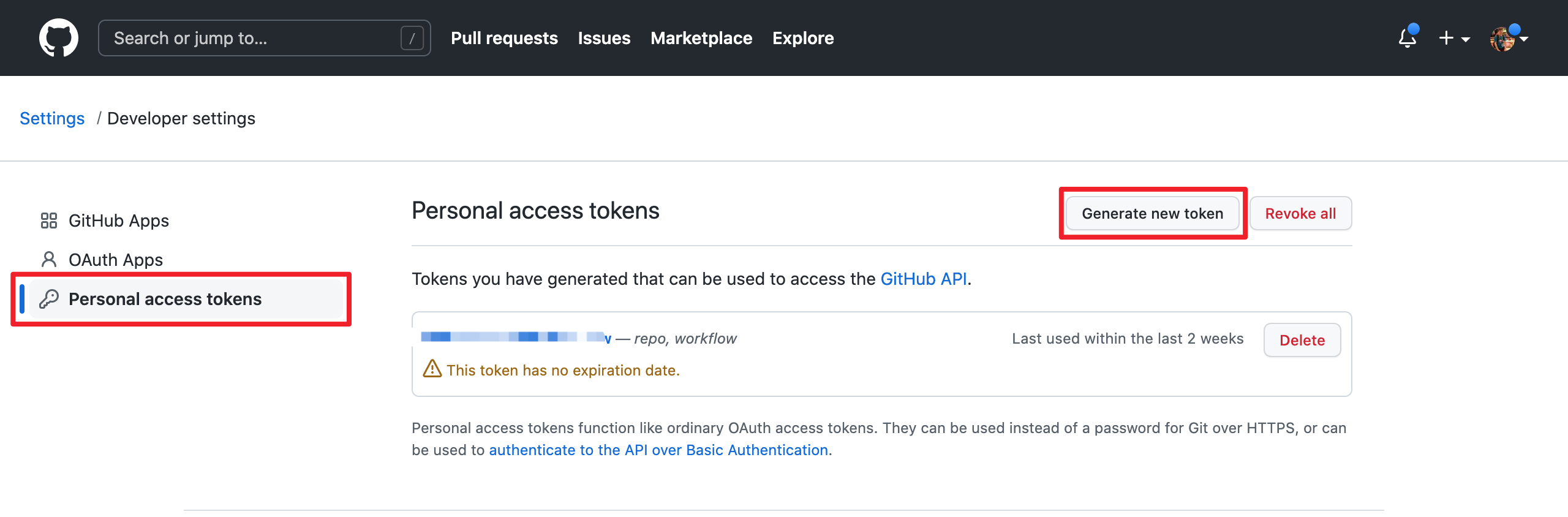
GitHub requires a username and token for Git authentication instead of a username and password. Create a personal access token at https://github.com/settings/tokens:
When adding a third-party dependency, also update the license information included in the distribution:
- Add the dependency’s license file to
hugegraph-server/hugegraph-dist/release-docs/licenses/. - Update
hugegraph-server/hugegraph-dist/release-docs/LICENSE. If the dependency includes a NOTICE file, updateNOTICEas well. - Run
hugegraph-server/hugegraph-dist/scripts/dependency/regenerate_known_dependencies.shto update the known-dependency list.
Submit a Pull Request
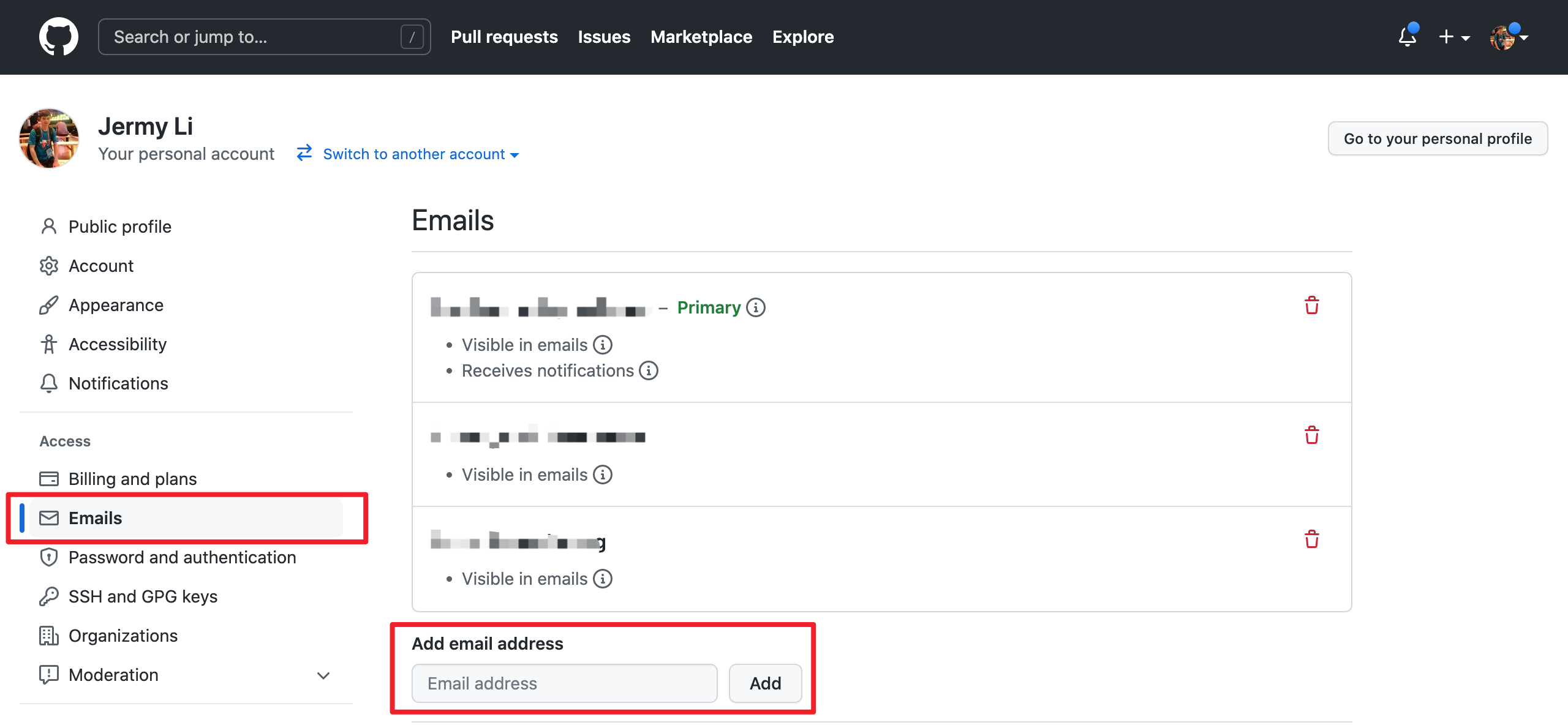
Make sure the email address used for your commits is associated with your GitHub account. See https://github.com/settings/emails for instructions:
Use the type(module): message format for commit messages, for example:
Then open a pull request from your fork branch to apache/hugegraph:master. Explain the problem, the implementation, and the validation commands you actually ran. Include screenshots for UI changes.
Address Review Feedback
If CI fails or a reviewer requests changes, continue committing and pushing to the same branch. Rebase when you need to synchronize with upstream:
Do not overwrite the remote branch with plain --force. After all CI and review requirements are satisfied, a project maintainer will merge the pull request.
Contributor agreements follow the official ASF process. See the Contributor Agreement.